A toolbox talk app does not work the same way for everyone on a project. A superintendent uses it differently than a foreman, and a foreman uses it differently than a safety manager. The value of the tool only becomes clear when you look at how it gets used across an entire team, not just by the person delivering the talk.
Looking at it this way often tells you more than a spec sheet ever could. It shows where a platform earns its place in daily operations and where it falls short once real field conditions and organizational structures get involved.

On the Crew: Foremen, Supervisors, and Superintendents
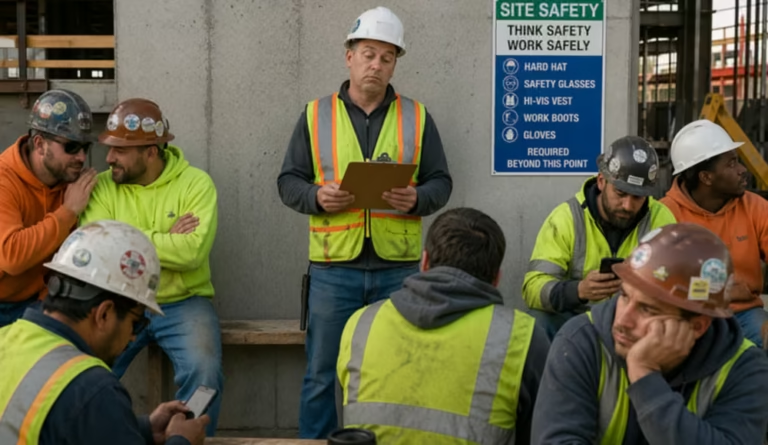
For foremen and crew supervisors, the app is primarily a field tool. The workflow starts before the crew even gathers: pulling up the topic assigned for the day, or selecting one relevant to the work ahead, such as fall protection, excavation safety, or hot work procedures. Superintendents overseeing multiple crews use the same workflow at a wider scale, checking that each foreman has a topic queued up and a record logged before the day gets underway.
Once the talk is delivered, the job shifts to documentation. This is where attendance capture matters most. A supervisor running a stable crew might check names off a roster in seconds; one with a rotating group of subcontractors might rely on QR code check-in so each worker confirms their own attendance. Either way, the goal is the same: capture the record accurately without slowing down the start of the workday.
Supervisors also use the app to flag hazards that come up during the talk. A quick note about a blocked exit or damaged barricade can be logged in the same session, creating a record that travels up to the safety team without a separate phone call or email.
Behind the Scenes: How Safety Managers Stay Ahead
Safety managers interact with the app from a different vantage point. Rather than delivering talks, they are typically managing the content library, monitoring completion across projects, and preparing for audits or client reviews.
A common use case is the weekly or monthly review: pulling reports filtered by project, crew, or supervisor to confirm talks are happening on schedule. When a gap appears, the safety manager can address it before it becomes a larger compliance issue.
Safety managers also use the platform to push out new or updated content. After an incident or new regulation, they can add a topic centrally and know that every supervisor across every project is working from the current version, rather than wondering whether outdated material is still circulating in the field.
On Shared Sites: Coordinating with Subcontractors
On multi-employer job sites, subcontractor supervisors often need their own access to the platform, allowing them to conduct and document talks for their own crews while still feeding into the general contractor’s overall safety record.
The use case here is largely about coordination. A subcontractor lead might deliver a talk specific to their trade, such as rigging or electrical work, while operating within the broader site safety program. Platforms that support separate logins and roster management for subcontractors make this possible without forcing every worker onto a single shared list.
From the Top: What Executives Watch For
Higher up the chain, project executives use toolbox talk data less for day-to-day management and more for pattern recognition. With trend reporting, they can compare completion rates across projects and spot regions or business units where participation is lagging.
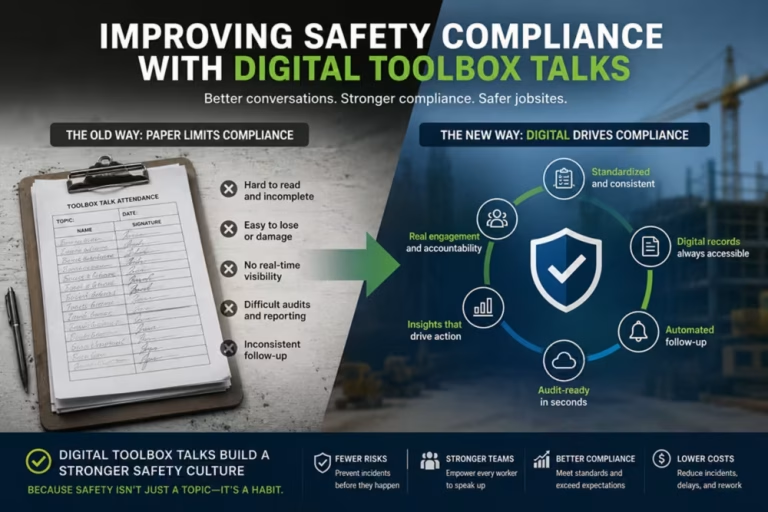
This level of visibility is often what justifies the move from paper records. A binder in a job trailer cannot show an executive how five projects across three states are performing against each other. A digital platform can, turning that comparison into a tool for resource allocation and accountability conversations with site leadership.
New Workers: Building Safety Habits from Day One
Toolbox talk apps also play a role in onboarding. New hires are often introduced to the platform during orientation, where their attendance at an initial round of talks is documented alongside their other training records, giving them a consistent first experience with how safety communication works on the project.
For workers who move between projects or employers frequently, a digital attendance history simplifies verification. A supervisor or safety manager can confirm what topics a worker has already covered, and that same history can support orientation checklists and client-mandated training audits.
The Common Thread
What stands out across these use cases is that the same platform does very different work depending on who is using it. A foreman needs speed and simplicity in the field. A safety manager needs oversight and reporting. A subcontractor lead needs autonomy within a shared system. An executive needs comparative data across projects. A new hire needs a clear, repeatable introduction to safety communication.
A toolbox talk app earns its place on a construction team when it supports all of these roles without forcing any of them into a workflow that does not fit how they operate. That flexibility, more than any single feature, determines whether the platform becomes a genuine part of how a team manages safety or just another piece of software that sits unused.
If you’re evaluating how a toolbox talk platform would fit your own team, MobileFrame Toolbox Talk Solution is built to support the full range of roles described above, from field delivery to executive-level reporting.