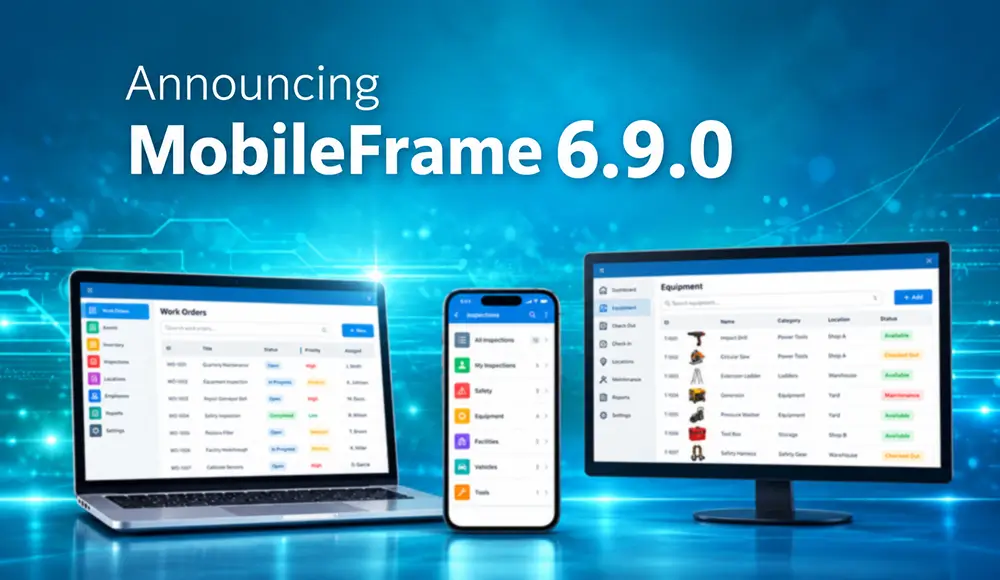
MobileFrame version 6.9.0 is now available. The two biggest changes to our no-code application development platform are built-in generative AI and an updated iOS Client.
Administrators get new tools too, including shared system settings and a way to pause servers for maintenance. In all, the release includes more than 50 enhancements and fixes across the Desktop, Server, Thin Client, Android and iOS.
Key Updates in MobileFrame 6.9.0
Generative AI in the Platform
You can use AI through the AI Assistant, or add it to the apps you build with the new Make AI Request workflow function. Either one can send a document or image along with the prompt.
Updated iOS Client
We made major updates to the iOS Client so it keeps up with newer versions of iOS and can take on more UI features in future releases. It also supports the iPhone 16e, iPhone 18 Pro and iPhone 18 Pro Max, plus newer bar-code sleds.
User-Defined System Settings
You can now easily keep read-only values, like API keys, in one secure place and read them from any workflow. When a key changes, you update it once instead of hunting through every workflow that uses it.
Pausing Servers for Maintenance
Servers can now be paused before planned maintenance and resumed when it’s done. You can do it by hand from the Desktop, or have an external application call the Desktop to pause, resume or reboot servers on whatever schedule suits you.
Also in 6.9.0
There are also dozens of smaller fixes and improvements across the platform. Details on each feature are in the Online Help and Knowledge Base.
“Since 2001, we’ve believed companies shouldn’t need a team of developers to get the apps their people need. AI makes that event more true. In 6.9.0, adding AI to an app is just another workflow step, and no code is involved. We also significantly updated the iOS client so those apps keep up as Apple updates iOS.”
Lonny oswalt, mobileframe ceo
Learn more about MobileFrame’s No-Code App Development Platform.