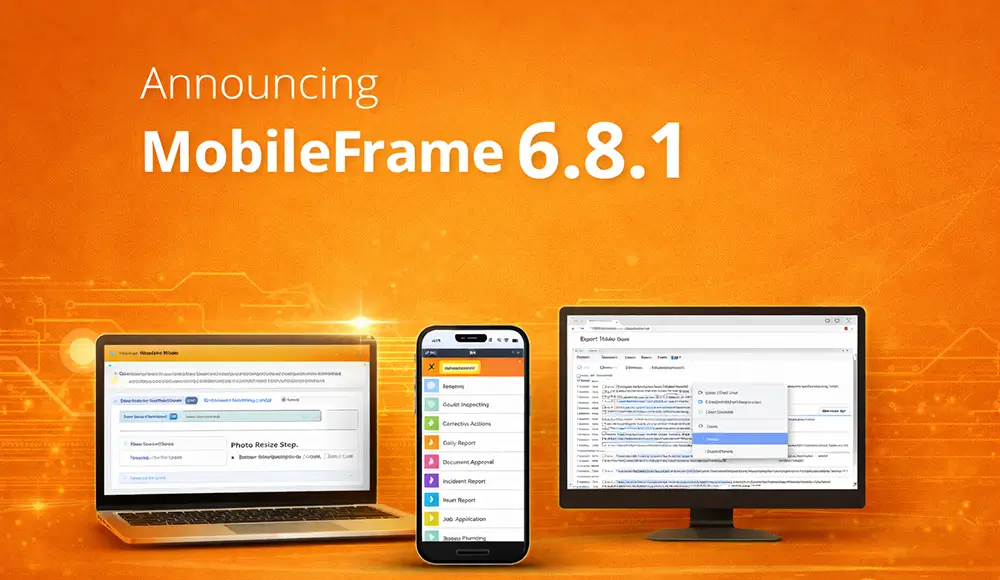
Announcing MobileFrame version 6.8.1

Announcing MobileFrame 6.8.1

We are pleased to announce the release of MobileFrame version 6.8.1, delivering new features and enhancements across our no-code application development platform. This update focuses on improving workflow usability, expanding design flexibility, and enhancing both client and server-side capabilities.

Key Updates in MobileFrame 6.8.1

  • New hyperlinks in workflow summaries and comments, allowing you to instantly navigate to the associated step
  • Updated default screen design options to support the latest iOS devices
  • Enhanced Change Photo workflow with support for resizing by percentage or dynamic step-based sizing, along with the ability to retrieve image dimensions
  • Windows Client improvement allowing users to right-click and export client logs directly from the device
  • Expanded SQLite strftime function with additional enhancements beyond the standard open-source implementation
  • Server status page now includes an abort option to stop running or long-running workflows
  • Windows Client enhancement enabling dropdown lists to dynamically filter as users type
  • Additional Thin Client Server capabilities allowing injection of custom HTML into generated app screens
  • New system-generated value enabling workflows to retrieve the number of pending results on the device
  • Paste Style option added to the main Edit menu with a keyboard shortcut (CTRL-SHIFT-V)

MobileFrame 6.8.1 continues to enhance the usability and flexibility of our no-code platform, helping organizations streamline application development and improve efficiency across mobile, desktop, and web environments.

For more details on specific features, please refer to the Online Help and Knowledge Base documentation.

Learn more about MobileFrame’s No-Code App Development Platform.

Similar Posts